










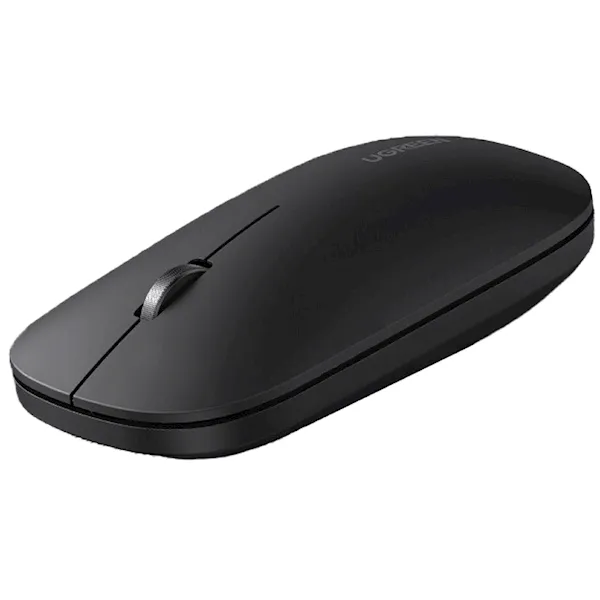
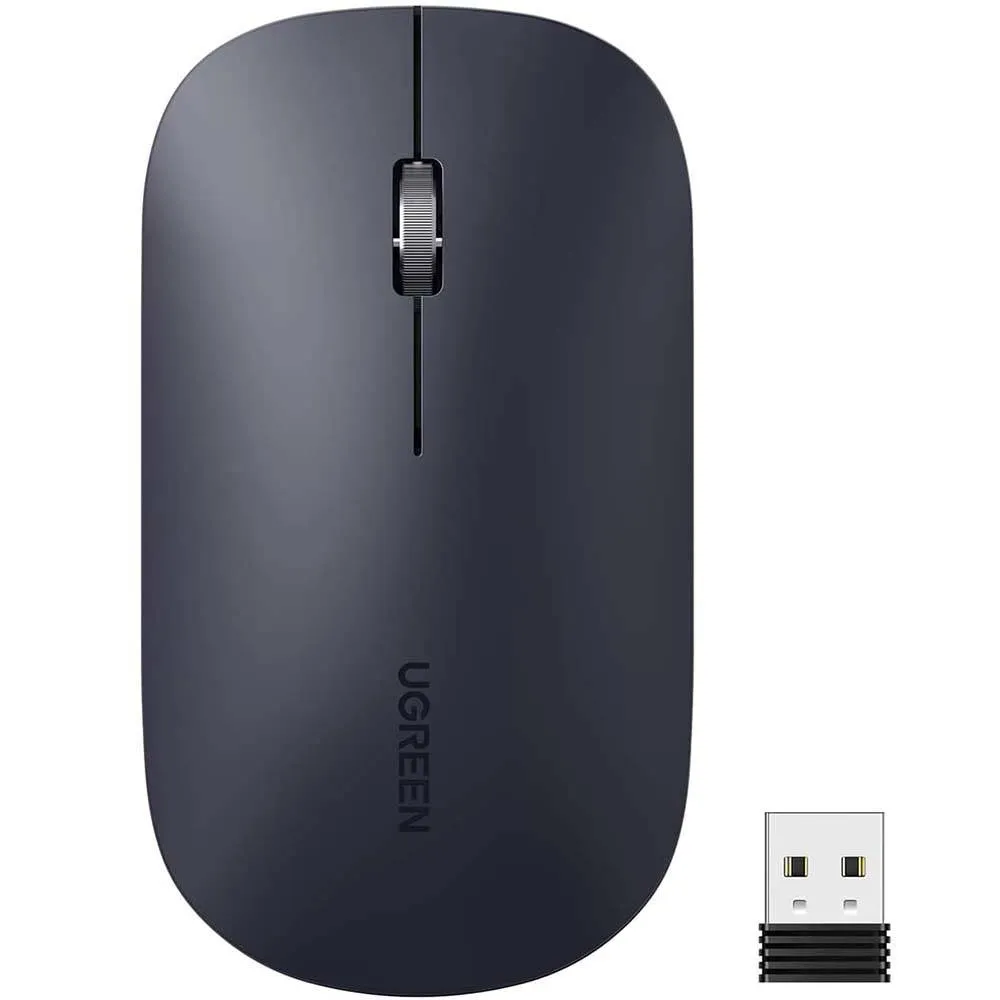


- Dual Mode: Supports 2.4GHz wireless & Bluetooth connection
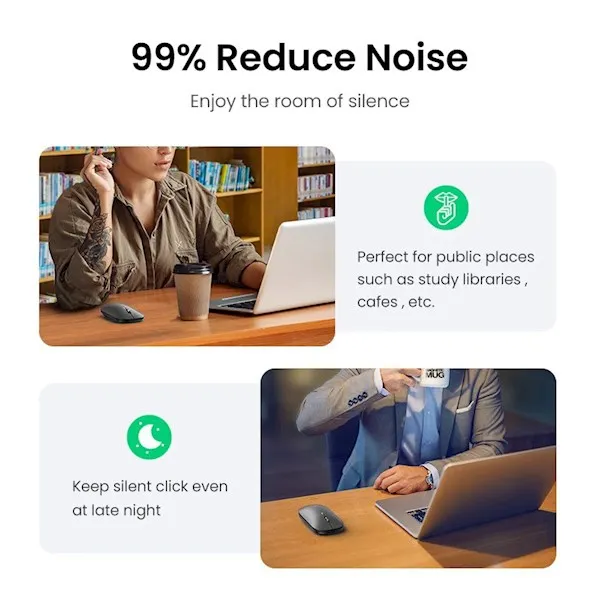
- Silent Design: Minimal noise during use
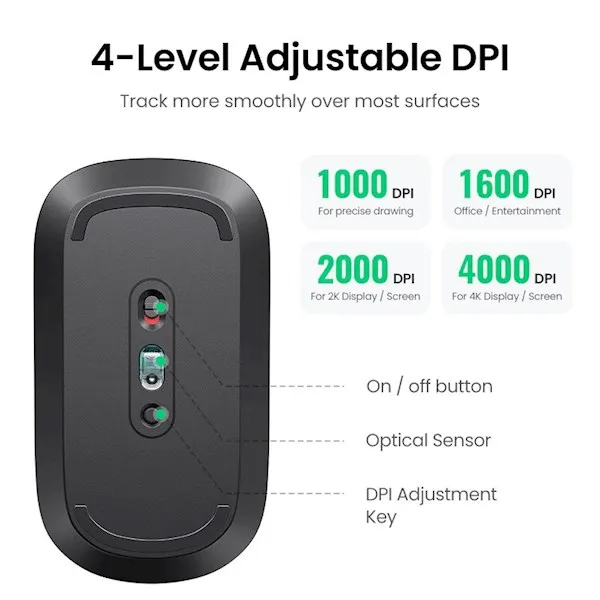
- High Precision: 4-level DPI adjustment
- Long Battery Life
- Plug and Play: Easy 2.4G mode setup & simple Bluetooth pairing
- Auto-Saved DPI Settings
- Windows 10 Swift Pair: Pop-up pairing support for Windows 10
- Color: Jet Black
- Connection Method: Wireless 2.4GHz, Bluetooth
- Connection Distance: Up to 10 meters
- DPI Levels: 1000 / 1600 / 2000 / 4000 DPI
- Operating Voltage: 1.5V
- Working Current: 40mA
- Supported Systems:
- Windows 11/10/8.1/7
- Mac OS 10.5 and above
- iOS 13.4 and above
- iPadOS 14 and above
- Chrome OS
- Linux
- Android 5.0 and above
- Dimensions:
- Mouse: 60.5 x 109 x 30 mm
- USB Receiver: 13 x 18 mm
Mode Switch Instructions:
- Bluetooth Mode
Indicator Light: Blue
- Short press the switch button; the indicator light turns blue.
- Press and hold the left, center, and right buttons simultaneously until the blue light flashes quickly (pairing mode).
- Turn on Bluetooth on your device and search for “Bluetooth BLE Mouse” or “Ugreen B3.0 Mouse.” Select and connect.
- 2.4G Wireless Mode
Indicator Light: Green
- Short press the switch button; the indicator light turns green.
- Plug the included USB receiver into your device, and it’s ready to use.
Important Note:
- The USB receiver is stored inside the mouse.
Reviews
Clear filtersThere are no reviews yet.